
ProColor P5U Series
Touch technology and collaboration brought to life
Discover the brilliance of our ultra high-definition flat panel Android displays.

A Joyful Learning Environment
Transform your classroom into a lively, interactive space with the ProColor P5U series. Its built-in whiteboard uses AI handwriting recognition in multiple languages, and supports online image and video search, bringing lessons to life.
Ideal for education, the P5U series make learning more dynamic and engaging, helping to improve communication and collaboration whether you’re in the classroom or teaching remotely.
Notes On The Go
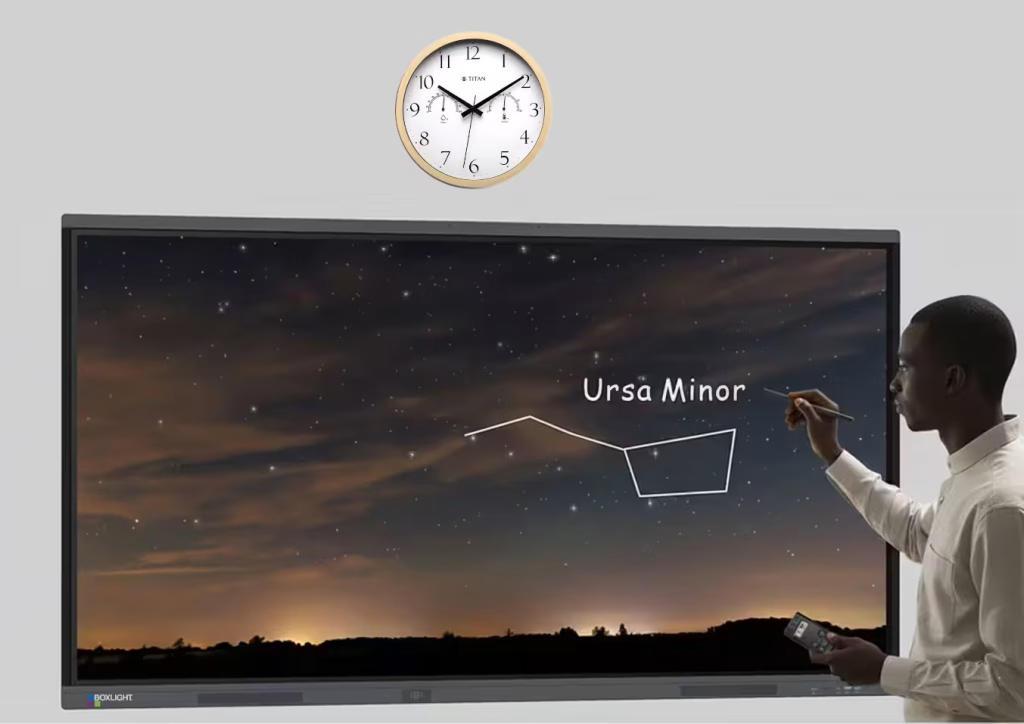
Boxlight Interactive Displays feature a “Quick Notes” function, allowing users to write and annotate directly on the screen as soon as they pick up the stylus pen, without the need for any additional setup.
Simply pick up the stylus and immediately circle, highlight, or write an explanation right on the screen, making your point instantly clear.
Activate Your Class With Google Tools
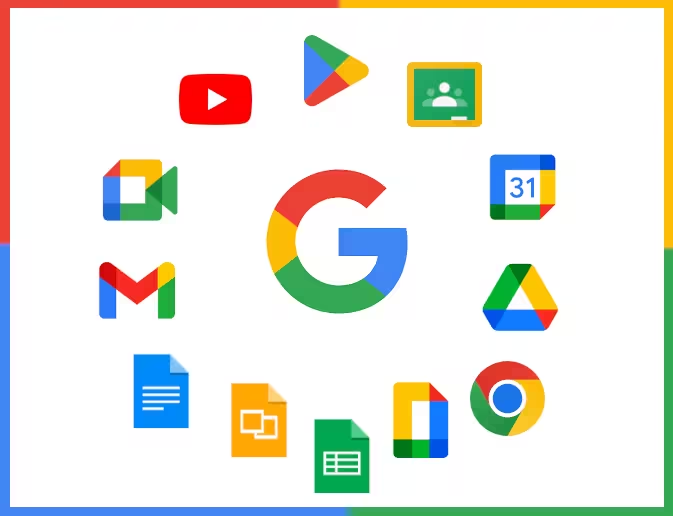
With unrestricted access to the Google Play Store and Google Workspace built directly into the display, you can securely and easily install and manage all the apps you need.
Install trusted educational and productivity apps directly to the display from the Google Play Store, integrate Google Classroom, interact remotely with Google Meet, play YouTube videos right on the board, and access your saved files and lesson plans on Google Drive.
This makes the ProColor P5U series the perfect solution for both classrooms and meeting rooms, boosting functionality and collaboration.
Note Whiteboard
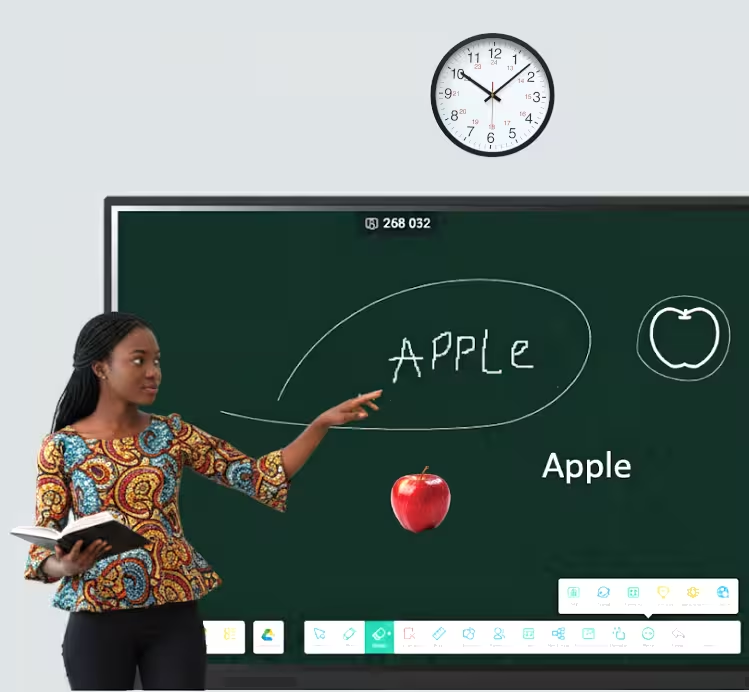
Make your lessons more dynamic with the P5U series’ powerful Note whiteboard. It comes with a full suite of tools and AI handwriting recognition in multiple languages, designed to make your classes more interactive. No matter the setting, a physical classroom or an online one, Note allows students to participate more deeply and actively.
Offers diverse writing techniques to make lessons more dynamic.
- AI handwriting recognition in multiple languages
- Magic pen: automatically recognized handwriting and transfer into patterns
- Support multiple operations on selected object
Provides an abundance of tools and resources to cover a wide range of subjects.
- Professional ruler and compass tools
- Periodic table of elements
- PhET subject resources
Supports various scenarios to accommodate different teaching environments.
- Planet: explore the solar system in a single canvas
- Support inserting cloud drive resources into Note
- Picture & video online searching
AI Tools
Our diverse and scalable AI tools enhance classroom presentations and integrate with numerous apps, helping you work more efficiently.
AI Search
Uses artificial intelligence to go beyond simple keyword matching, understanding context and intent to deliver more relevant and precise results.
Live Subtitles
Converts system audio into into on-screen text, providing real-time captions for any audio or video content to improve accessibility and comprehension.
Outline Navigator
An outline is displayed when videos are played, allowing you to quickly and precisely jump to any section of interest.
AI Painter
Uses sketches, text descriptions and other inputs to generate new visual art in various styles, from realistic images to abstract.
Multi-Device Screen Sharing
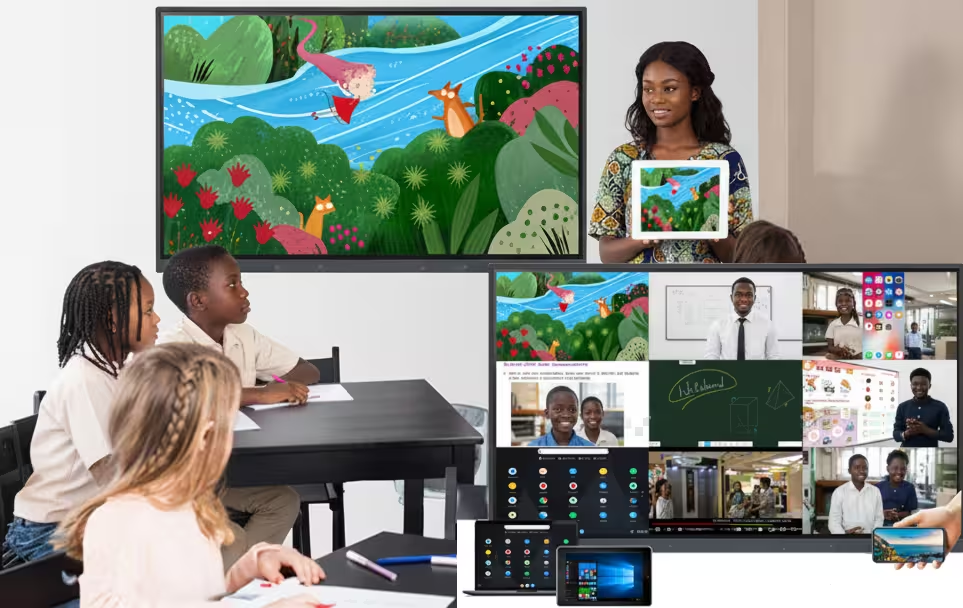
Enhance collaboration with effortless screen mirroring. Bytello Share, a powerful, WiFi-based screen sharing solution with “two-way touch control” built into the P5U series, makes sharing content simple.
Bytello Share supports the wireless mirroring of up to nine different devices simultaneously, allowing teachers and students to share their screens on the display without any extra setup. The best part? There’s no need to install an app on anyone’s device. It just works.
Account Management System
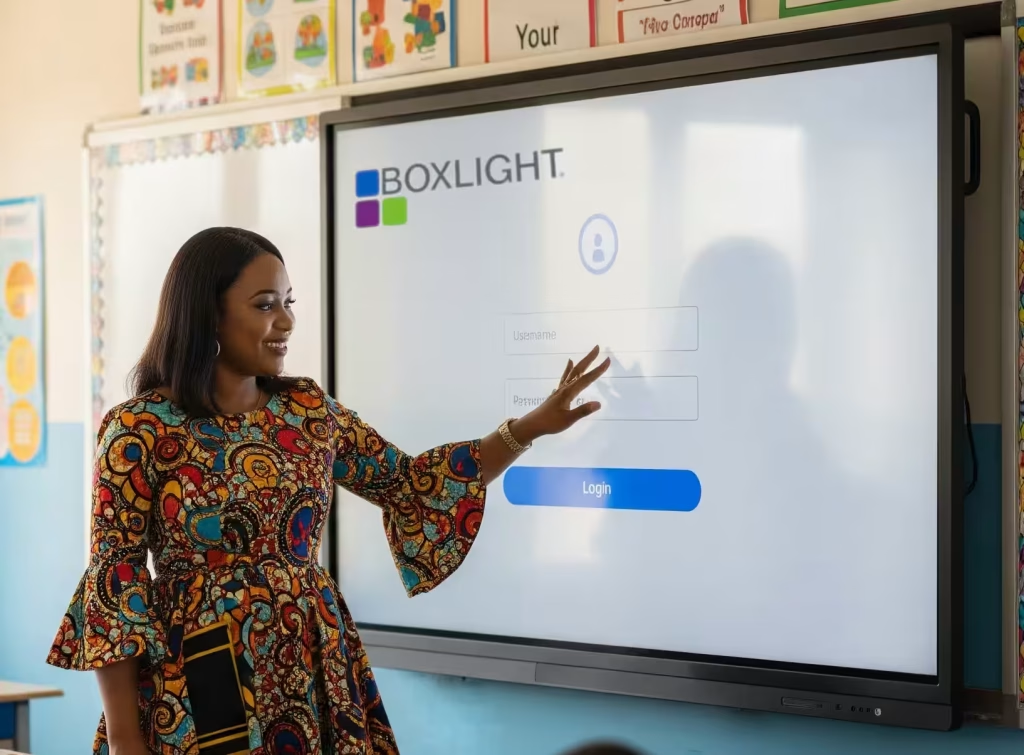
With the Bytello Account Management System, you can maintain and protect your own space, data, and settings on the display, even when it’s used by multiple people.
Your IT department can easily assign different permissions and access levels to each account, ensuring everything stays secure and organized.
Plug and Play USB-C
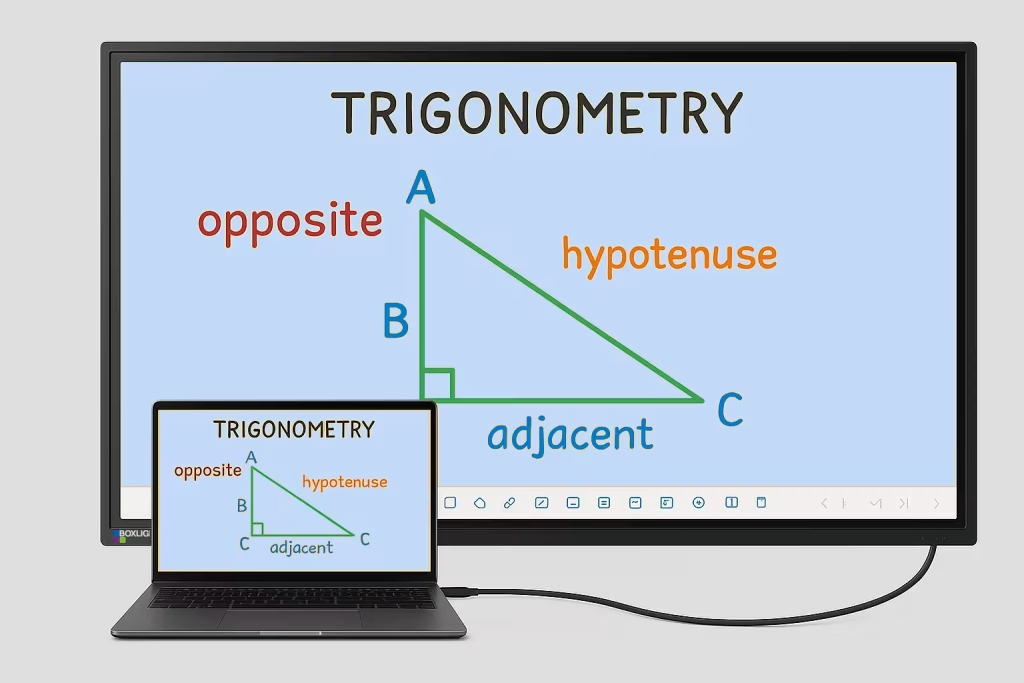
Simply connect your device to the ProColor P5U with a USB-C cable to get two-way touch control, share your network, and transfer audio and video, all while fast-charging your device at 65W. Teachers can take advantage of this plug-and-play convenience to immediately start teaching, writing on the whiteboard, and leading collaborative activities with their personal devices.
ProColor P5U Series Specifications
|
Model Name
|
ProColor P565U
|
ProColor P575U
|
ProColor P586U
|
ProColor P598U
|
|---|---|---|---|---|
|
Overall Dimensions (WxHxD)
|
1,488 x 908 x 86 mm (58.6 x 35.7 x 3.4 in.)
|
1,709 x 1,031 x 85.5 mm (67.3 x 40.6 x 3.4 in.)
|
1,957 x 1,171 x 97 mm (77.1 x 46.1 x 3.8 in.)
|
2,219.6 x 1,318.4 x 89 mm (87.4 x 51.9 x 3.5 in.)
|
|
Weight
|
34.75 kg (77.6 lb)
|
46.45 kg (102.4 lb)
|
54.70 kg (120.6 lb)
|
84.35 kg (186.0 lb)
|
|
Active Screen Size (Diagonal)
|
65 inches
|
75 inches
|
86 inches
|
98 inches
|
|
Aspect Ratio
|
16:9
|
16:9
|
16:9
|
16:9
|
|
Power Consumption
|
131W
|
157W
|
180W
|
360W
|
|
Power Requirements
|
100-240 VAC 50/60Hz
|
|||
|
Backlight Life
|
50,000 hours
|
|||
|
Touch Points
|
50-touch (Windows, Android & Mac); Single touch (Linux, Chromebook)
|
|||
|
Anti-Glare Glass
|
Yes
|
|||
|
NFC Sensor
|
Yes
|
|||
|
Input
|
HDMI 2.0 x 3, VGA x 1, Audio 3.5mm x 1, DP x 1, RJ45 x 1, TF Card Slot x 1
|
|||
|
Output
|
HDMI x 1, Audio 3.5mm x 1, SPDIF x 1, RJ45 x 1
|
|||
|
USB
|
USB 2.0 x 1, USB 3.0 x 4, USB-B for Touch x 2, USB Type C x 2
|
|||
|
Sound Output
|
2 x 20W Speaker
|
2 x 20W Speaker
|
2 x 20W Speaker
|
2 x 25W + 20W (bass) Speaker
|
|
Microphone Quantity
|
8
|
|||
|
CPU
|
Octa-core
|
|||
|
GPU
|
Mali G52MC3
|
|||
|
RAM
|
8GB
|
|||
|
Internal Storage
|
128GB
|
|||
|
Expandable Storage/Type
|
1TB/ TF Card
|
|||
|
WiFi Module
|
WiFi 6E/ Bluetooth 5.3
|
|||
|
Operating System
|
Android 14.0
|
|||
Click the link above to arrange a demo, place an order, or simply have one of our experts contact you and answer your questions.